Allowed Sites
To keep your widget secure, Soundbite only works on websites you've approved. Your Allowed Sites list, found in your account settings, controls which domains can load and send recordings through your widget. If someone copies your embed code onto a site that isn't on your list, their recordings are rejected and never reach your inbox.
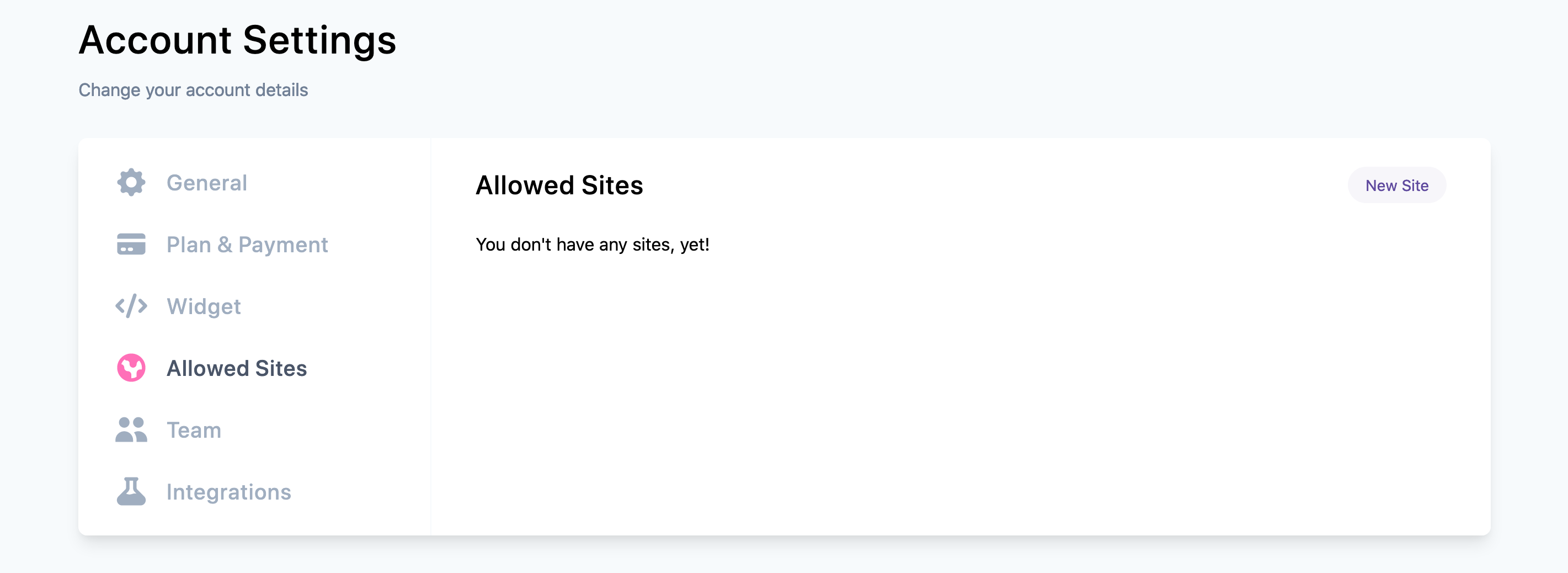
Adding a Site
Click New site and enter your domain, for example your-awesome-site.com. You only need the domain, not the full URL. If you paste in https:// or www., we'll remove it for you.
How Matching Works
- www is included automatically. Adding
example.comcovers bothexample.comandwww.example.com. - Subdomains need their own entry.
blog.example.comandshop.example.comare treated as separate sites, so add each one where the widget runs. - Every page on the domain is covered. Once a domain is approved, the widget works on any page hosted on it.
Testing Locally
Add localhost to your list to test the widget during development. Enter it without a port number: localhost covers localhost:3000, localhost:8080, and any other port.
Removing a Site
Click the remove icon next to a site and confirm. The widget stops accepting recordings from that domain right away. Messages you already collected from it stay in your inbox.
Troubleshooting
If your widget isn't accepting recordings:
- Check that the domain in your list exactly matches the site's address, including any subdomain.
- Make sure the entry has no path or trailing slash (
example.com, notexample.com/contact). - Confirm the embed code on your site uses the token from your account.